Key takeaways
-
The best resource management software for your firm will be a platform that solves your pain points, includes custom, AI-driven features, offers an intuitive user experience, and can scale alongside your business
-
The best resource planning tools on the market today for professional services firms with over 500 employees include Dayshape, Float, Workday, ProFinda, Kantata, and Retain
-
To find the best resource management platform for your organization, do your research, book a demo, consider safety, security, and scalability, and ask your team for feedback to increase the chances of firm-wide adoption
-
Dayshape is the best resource management software for large firms with complex scheduling needs. Dayshape is a market-leading AI-driven platform, using agentic AI to help firms optimize resource utilization, scale and drive profitability
Contents
1. 10 best resource planning tools at a glance
2. What is the best resource management software in 2026?
3. How to choose the best resource management software for your business
4. FAQs
- What is resource management software?
- Which AI features should I look for in resource management software?
- What are the best practices for using resource management software?
5. Book a Dayshape resource management software demo
With so many resource management tools out there, knowing where to start can feel overwhelming, especially when time is short and the stakes are high. In this guide, we dive into the best resource management software options for professional services firms on the market today.
Resource management is no longer a back-office function – it’s at the heart of firm performance and growth. With the professional services industry in the middle of a paradigm shift, and the pace of change accelerating, that choice matters more than ever. Client expectations are rising, resourcing models are changing, planning is becoming more complex, and firm leaders are under pressure to adopt the right technology to deliver efficiency and growth.
The future belongs to resource managers who think strategically and embrace AI to lead change, in turn connecting people, performance and firm-wide ambition. With the right platform, you can unlock profitable growth, plan with precision, and support teams to do their best work. This isn’t just about better scheduling; it’s about creating the conditions for stronger firm performance, connecting talent, capacity, and client demand to deliver on strategic leadership priorities.
10 best resource planning tools at a glance
1. Dayshape: best for professional services firms with 500+ employees
2. Workday: best for existing Workday customers
3. ProFinda: best for skills mapping
4. Certinia: best for Salesforce users
5. Beeye: best for simplicity
6. Iris Software: best for accountancy firms requiring practice management software
7. Kantata: best for creative and IT services
8. Float: best for agencies
9. Eightfold: best for firms using talent intelligence software
10. Retain: best for in-premises or hybrid deployment
|
Resource management platform
|
Best for
|
Cost
|
ROI
|
|
Dayshape
|
Large, complex scheduling with AI optimization
|
Undisclosed
Price per user
|
~3-6% utilization improvement
|
|
Workday
|
Existing Workday customers with long-term projects
|
Undisclosed
No free trial
|
Can help reduce manual processes, improve project staffing speed, and increase visibility into project financials and resource demands – especially when paired with Dayshape Intelligent Staffing
|
|
ProFinda
|
Skills mapping and internal mobility
|
Approx $206 per user/year
36-month minimum contract
|
2% utilization increase in 12 months via reskilling/redeployment
Avg time to resource role reduced from 3 weeks to 4 secs
|
|
Certinia
|
Salesforce users in need of a professional services automation (PSA) or enterprise resource planning solution
|
Undisclosed, 30-day free trial
Certinia PSA package includes resource management and optional add-ons
|
~3% utilization increase
|
|
Beeye
|
Simple, low-cost planning
|
Free trial
Basic: $10/user/month
Standard: $45/user/month
Enterprise: POA
|
+10 more projects handled/manager/year
+20% profitability/account
-35% employee turnover
|
|
Iris Software
|
Accounting firms looking for practice management software
|
Undisclosed
Modular
No free trial
|
Avg time saving of 5 hours per staff member, per month (based on General IRIS Practice Management user survey)
|
|
Kantata
|
Creative and IT services looking for an all-in-one PSA solution
|
Undisclosed (est. 7>27-29/user)
Modular pricing
|
Clients often experience a 10-50% improvement in utilization
|
|
Float
|
Lightweight scheduling for agencies and departments
|
Starter: $6/user/month
Pro: $10/user/month
Enterprise: POA
30-day free trial
|
One client found that double-handling was eliminated, and the right team members were consistently assigned to the right projects, saving the team 4 hours per week
|
|
Eightfold
|
Firms already on a talent intelligence platform
|
Undisclosed
No free trial
|
Retention rates increased by 20% in certain cases
Clients have reported up to an 80% reduction in time-to-hire
|
|
Retain
|
Firms needing on-premises or hybrid deployment
|
Under 50 users: approx $22/month
Over 50 users: approx $20/month
Over 1k users: POA
|
5% utilization improvement
|
What is the best resource management software in 2026?
From AI-driven resource management software like Dayshape to professional services automation solutions like Workday, choosing the best resource planning tools for your firm can be challenging. Here’s a closer look at the top ten platforms:
1. Dayshape
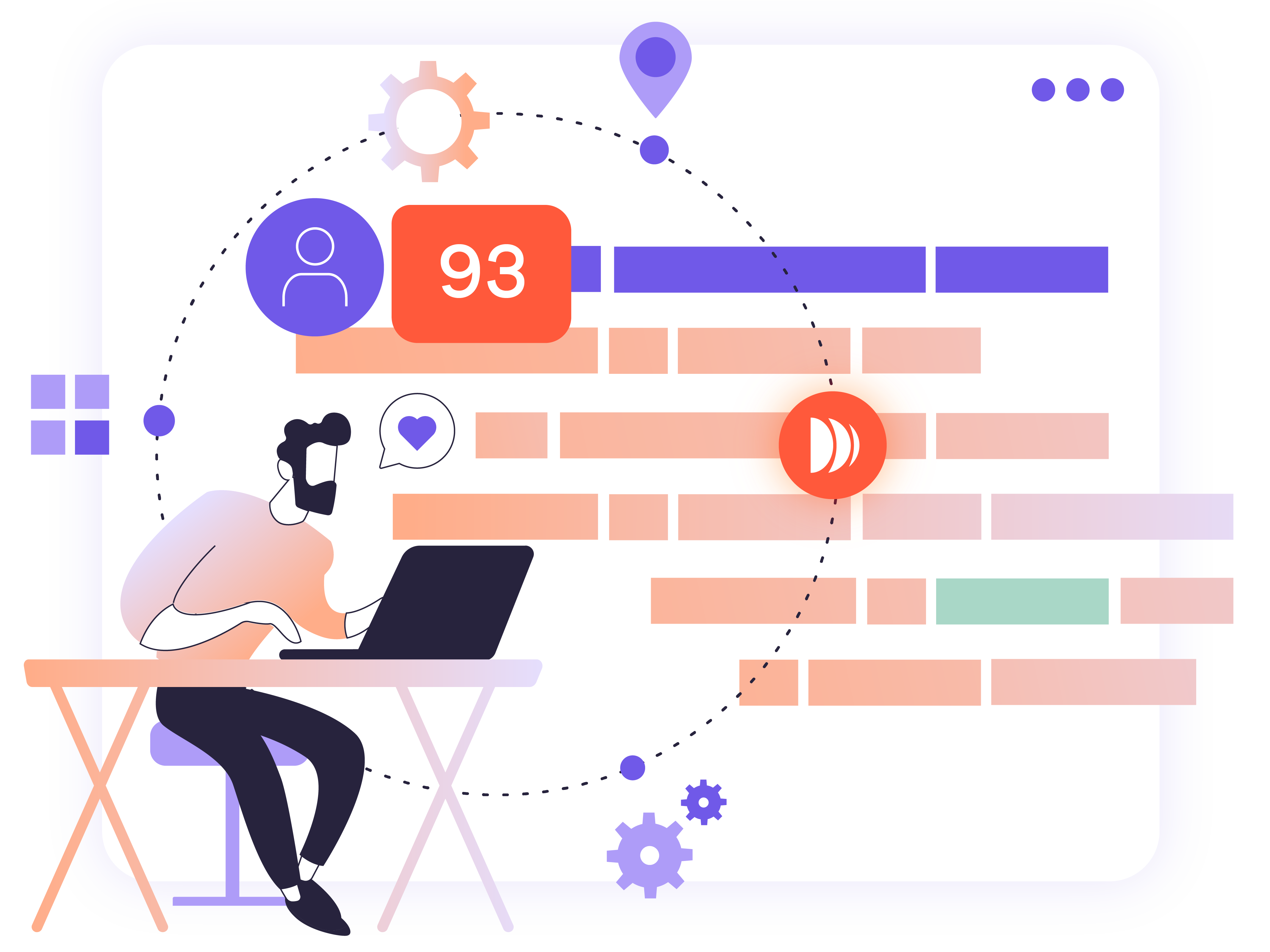
Dayshape is the only platform purpose-built for professional services that brings together advanced AI, real-time project financials, and firm-wide resource forecasting insights in one solution. Dayshape is the only platform with an AI-powered scheduling engine that evaluates your entire portfolio simultaneously to find the optimal allocation of work.
Additionally, Dayshape integrates with all leading enterprise resource planning (ERP), professional services automation (PSA), and practice management systems, and is the sole vendor selected to co-develop a native resource management solution with Workday.
Whether you’re just starting out or scaling a mature resource management function, Dayshape supports every step of your journey. It helps you make smarter decisions, drive profitable growth, balance workloads, match people with the right opportunities, and deliver consistently for clients.
Dayshape also continues to invest heavily in AI and UX to support your resource management transformation.
Top features:
-
Advise: optimize firm-wide resource scheduling across multiple complex projects in one click
-
Dayshape Agent: optimize resourcing decisions with our intelligent assistant, powered by agentic AI
-
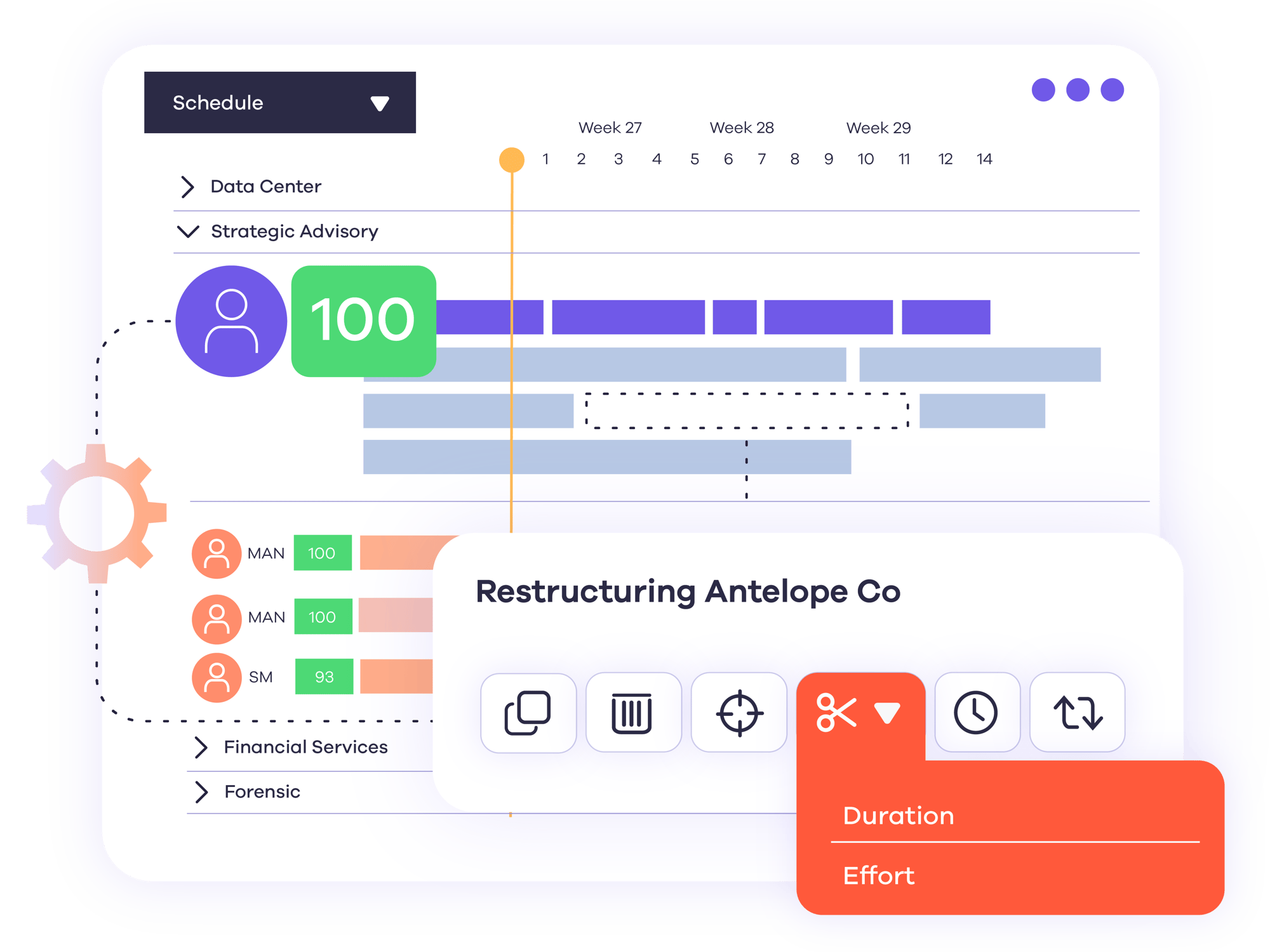
Gantt scheduler: gain a simple, firm-wide view of resources and capacity, with filters and heatmaps to prevent overbooking and underutilization
-
Reports & dashboards: view and share role-specific dashboards with past, present and future performance metrics to simplify decision making
-
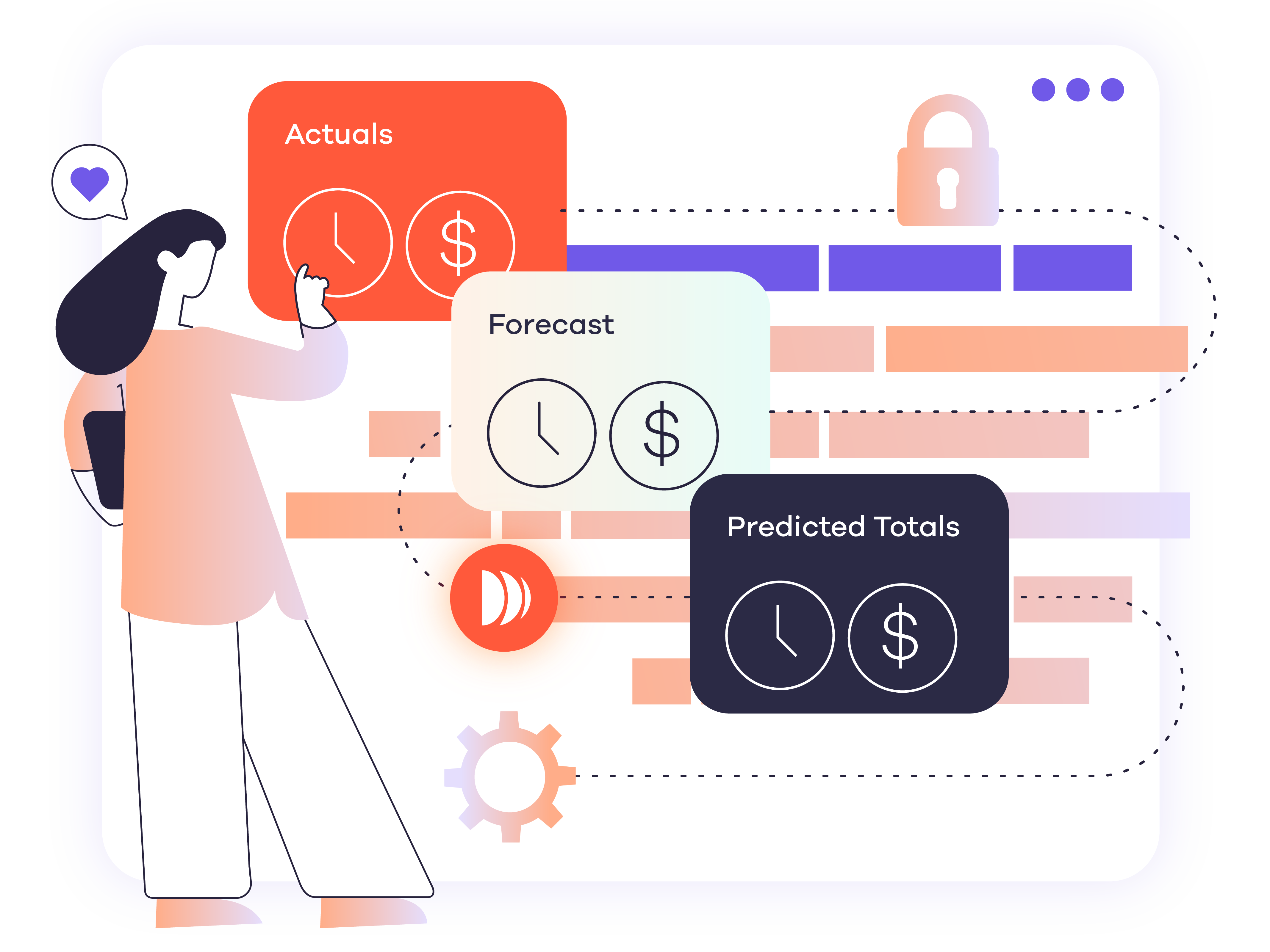
Real-time project financials: see how scheduling decisions impact project financials (actuals vs forecasts), and set profitability controls and alerts to prevent overruns.
-
Budgeting & demand capture: build resource plans, manage budgets, and handle approvals in one system to maximize project and portfolio profitability
-
Customer support: Dayshape offers professional services expertise, close partnerships, and responsive support and guidance to ensure long-term success for customers
Integrations:
-
Partnerships: Workday and Microsoft
-
Integrations and APIs: Workday, Salesforce, IRIS, SAP, Oracle Peoplesoft, Dynamics 365, Flowcase, OpenHR, CatalystOne, Deltek, and CCH
Pros:
-
Best resource management platform for professional services firms with over 500 team members that are looking to optimize their operations
-
AI-powered resource optimization features
-
Handles complex, multi-project scheduling needs seamlessly
-
Deep ERP and PSA integration
Cons:
What Dayshape customers say:
“When it comes to ROI, I think Dayshape paid for itself in the first month, if not week. In every country we operate in, we’ve improved our margins because we’ve been able to use the forward-looking data coming out of Dayshape to make decisions,” Chief Operating Officer at Deloitte Africa
2. Workday
Workday delivers world-class workforce management across the full project lifecycle, from staffing and project execution to billing and financial reporting, making it one of the best resource management software applications on the market today.
Workday’s built-in resource planning is ideal for firms with smaller to mid-size resource pools and long-term assignments. For larger, scaling professional services firms dealing with complexity, the co-developed Dayshape Intelligent Staffing solution brings a deep integration with real-time two-way syncing, bulk AI-powered staffing, and advanced forecasting. These features help firms uncover firm-wide insights, plan reliably, optimize margin, and maintain client satisfaction.
Natively integrated into Workday’s broader ERP and HCM platform, Workday PSA connects project financials, resourcing, and billing with HR and finance data, providing a unified view across operations.
Top features:
-
Unified platform: integrate PSA, HCM, and financials in one system, connecting seamlessly with Workday tools, such as Adaptive
-
Embedded HCM access: view schedules, access HR details, and submit time, all within the same platform
-
Project and resource planning: manage long-term, stable assignments with built-in project and resourcing tools
-
Integrated financial scheduling: schedule work directly on project pages to instantly see the impact on project economics
-
Flexible setup: configure firm-specific approvals and alerts using customizable automation
Integrations:
-
Partnerships:
- Implementation: Kainos, Huron Consulting Group, and Invisors
- Innovation: Dayshape Intelligent Staffing, Salesforce, and Ramco Systems
- Workday marketplace
-
Integrations and APIs: Salesforce, Skillsoft Percipio, and Shopify
Pros:
-
Easy-to-use, in-built resource planning functionality
-
One of the best platforms for agile resource management of long-term, stable project assignments
-
Seamlessly pairs with advanced scheduling tools
Cons:
-
Clunky user interface: built on the Salesforce platform, which may be a drawback for firms that don’t want to be tied to it
-
Limited bulk scheduling capabilities: automated scheduling at scale is available only through integration with Dayshape Intelligent Staffing
-
Complex customizations: advanced configurations can become time-consuming to maintain, and require ongoing effort
3. ProFinda
ProFinda is a cloud-based, enterprise-grade resource management platform that combines resource, workforce, and experience optimization in one solution. Built to help firms improve project resourcing, retain talent, and support reskilling, it’s one of the best resource planning tools for skills mapping, employee profiling, and internal mobility.
ProFinda’s strength lies in talent matching and skills development rather than specialist features, such as AI-powered Gantt scheduling, budgeting or reporting. The platform serves a wide range of industries – from professional services and civil engineering to defense and government – and is built to handle firms of any size.
Top features:
-
User interface: use an up-to-date, continuously evolving skills library for accurate talent matching
-
Task management: staff can automate resume creation, upskill, reskill, and access stretch projects in a marketplace
-
Time tracking: see which staff could work on a project with training or on-the-job learning
-
Real-time project financials: run different staffing scenarios simultaneously using cost, skills, or hours to find the best staffing strategies
Integrations:
- Partnerships: SAP, Twenty5, Replicon, KPMG, Credly, Unanet, and Infosys
- Integrations and APIs: SAP, Unanet, Twenty5, ATS, VMS, LinkedIn, Workday, Oracle, PeopleSoft, Salesforce, MS Dynamics, Jira, and Smartsheet
Pros:
- Supports skills-based workforce optimization and employee experience, benefiting long-term retention
- Best resource management platform for skills mapping, internal mobility, and talent development
Cons:
-
No profitability controls in real-time financials: lacks automated alerts to prevent project overruns mid-project
-
Limited Gantt scheduler: no big-picture visibility, no customizable views, and no cross-project resource visibility
-
No automated suitability scoring: suitability scores aren’t automatically applied to resource requests
-
No bulk resource allocation: unable to assign multiple resources at once, reducing potential time savings
4. Certinia
Up next is Certinia, which uniquely combines PSA capabilities with a full ERP suite, enabling streamlined management of core financials, revenue recognition, billing, inventory, and supply chain operations within the Salesforce ecosystem.
While resource planning is included, the platform is designed to support a broad range of business functions. This breadth brings a more standardized approach to workflows, which can be beneficial for firms with consistent processes, though may offer less flexibility for those with more tailored or complex needs.
Top features:
-
Automated scheduling: match, assign, hold, or shortlist up to 1,000 resource requests at one time
-
Flexible project structure: create a Work Breakdown Structure with as much detail as needed
-
Smart rescheduling: view scenarios of how scheduling changes can impact margins and budgets
-
Document management: manage, share and collaborate on documents relating to projects
-
Configurable dashboards: customize dashboards with advanced reporting and predictive analytics
Integrations:
- Partnerships:
- Native to Salesforce
- Consulting implementation: FVP Consulting, A5, Diabsolut, PwC, RSM, Coastalcloud, 5P Consulting, entero, IBM, Infosys, and Slalom
- ReadyApp: ADP, asperato, Avalara, Conga, Own backup, XCD, B2B Gateway, Docusign, Expensify, Exactly, and Scribe
- Integrations and APIs: SAP, Concur, ADP, DocuSign, Conga, Scribe, Xactly, XCD, AccessPay, and Jira
Pros:
- Best resource management tool for firms already using Salesforce
- Unifies PSA, ERP, and resource planning in one system
Cons:
-
Salesforce dependency: built on the Salesforce platform, which may be a drawback for firms that don’t want to be tied to it
-
Limited customization flexibility: complex workflows are difficult to implement due to restricted options and a steep setup curve, reducing adaptability to firm needs
-
Complicated update process: updates can be challenging for firms with many custom objects
-
Lengthy implementation: setup is time-intensive, requiring significant effort and resources
5. Beeye
Next on our list of the best resource management tools is Beeye, a collaborative, cloud-based platform that’s ideal for smaller or less mature firms transitioning from spreadsheets to structured planning.
Beeye’s pre-configured feature set focuses on core planning, task tracking, and time management. This makes it less suitable for large or enterprise customers handling complexity, but serves as an easy-to-use resource management tool for teams needing a quick, simple solution.
Top features:
-
User interface: visualize resources, projects, and tasks effectively with a simple view
-
Task management: modify the time spent on each task and monitor task progress daily to ensure tasks are on track
-
Time tracking: automate time entry based on scheduled work to avoid end-of-week timesheet delays and enhance data accuracy
-
Task template library: build projects quickly and consistently using task templates
Integrations:
- Partnerships: Microsoft
- Integrations and APIs: IRIS Star Practice Management, Sage, PowerBI, Inqom, ACD GROUPE, Cegid, AgirisPower, Automate, Azure Service, My Unisoft, RCA, Devis, Office365, Dynamics 365, Lucca, and Toucan Toco
Pros:
-
Ideal for small to medium-sized firms in need of a straightforward, cost-effective solution
-
Best resource management software for simple, low-complexity workload planning
-
Based in Montréal, so particularly appealing to French-speaking teams
Cons:
-
Shallow Gantt visibility: lacks depth of information in a single view, so it can’t handle complexity
-
No real-time project financials: financial data doesn’t update dynamically during projects.
-
Limited suitability scoring and no bulk automation: evaluates only a narrow set of traits and lacks large-scale automation capabilities
6. Iris Software
IRIS Firm Management is the practice management solution replacing both Star and Practice Engine, and is purpose-built for accounting and CPA firms. It brings together integrated tools to manage client data, monitor project progress, automate billing, and support compliance with accounting standards.
The Star Practice Management element has a scheduling module and integrates with EmpireSuite – a sector-agnostic resource management tool – as well as other dedicated resource management vendors, offering flexibility for firms with more complex resourcing needs.
Top features:
-
Task management: assign tasks and set task-driven milestones to manage projects
-
Automated workflows: set up recurring tasks and automate routine processes to save time
-
Time tracking and expenses: track time, book time off, and bill clients easily
-
Skills database and tracking: quickly match candidates manually
-
Dynamic reporting: make data-driven decisions with unlimited, real-time, fully customizable charts, and interactive analytics dashboards
-
Document management: keep key documents organised, accessible, and secure with a centralized repository and automation tools
Integrations:
-
Salesforce, Microsoft Dynamics 365 Business Central, BambooHR, EmpireSuite, FibreCRM, Aiwyn, QuickFee, Hubspot, Apxium, DocuSign, PowerBI, Deltek Maconomy, Intapp, and HubSync
Pros:
- Well-suited to accounting and CPA firms
- Best resource management platform that combines practice management with ERP
Cons:
-
Limited scheduler views: few Gantt filters and no saved views make it time-consuming to access key information
-
Basic resource allocation: lacks advanced suitability scoring and automated scheduling capabilities
-
No real-time financials or profitability alerts: missing mid-project visibility into financial performance and profit risks
7. Kantata
Kantata is an end-to-end PSA solution designed to manage projects, resources, time, and billing within a single platform. It offers versions for both enterprise firms (SX, built on Salesforce) and mid-market firms (OX), making it one of the best resource planning tools for businesses seeking an all-in-one operational system.
Resource management is a key feature, but not the main focus, so firms that need advanced scheduling or workflow configurability may find it less suitable than dedicated tools. Kantata embeds Agentforce AI to automate scheduling and deliver insights into financial performance trends and project status reporting, and although it includes resourcing features, its core strength lies in project management.
Kantata works well for firms running long-term projects such as ad agencies or IT consulting firms, but it may feel overly complex for teams focused on high-volume projects, such as accounting or specialized resourcing, like tax.
Top features:
-
Project management scheduler: create task dependencies in a Gantt chart for easy project management
-
Agentforce AI: read insights on the logic behind suitability scoring decisions to optimize resource allocation
-
Out-of-the-box and customized dashboards: surface key project and portfolio insights and predictive analytics
-
Predictive timesheets: time tracking can be switched on and off, and completed quickly to ensure information is up-to-date
-
Kantata pulse: understand employee and client sentiment in real time to gain a view of project health and performance
Integrations:
-
Partnerships:
- Technology: Salesforce, Sage, Avalara, Medallia, Oracle + NetSuite, Qualtrics, and Ziflow
- Implementation: Entero, P3m Partners, Solvit, Advance Velocity, and IQlink
- Approved advisors: RSM, Belcan, and Garwood Solutions
- Referral: CoastalCloud, 5P Consulting, Agency, Maven Consultancy, and LeapPoint
- Reseller: Clearvision and Rabita Software
-
Integrations and APIs: Kantata Connect, M-Bridge, Salesforce, Hubspot, Microsoft Dynamics 365, Pardot, Sage, NetSuite, QuickBooks, Xero, Expensify, SAP Concur, Zapier, Boomi, Slack, Jira, MuleSoft, and Google Workspace
Pros:
-
Best for project management
-
Manage projects, resources, time, and billing in one centralized location
-
Market-leading all-in-one professional services automation software
-
Especially well-suited to marketing, IT consulting, and similar industries
Cons:
-
Unintuitive Gantt scheduler UI: limited visibility due to lack of drag-and-drop functionality and a click-heavy user journey
-
No automated suitability scoring in OX: resource allocation relies solely on skills, proficiency tracking, and availability filters
-
No bulk roll-forward functionality: limits time savings and continuity by preventing easy data carryover, and accounting for weekends or holidays
-
No native workflows: makes it harder for firms to create and manage project approval processes
-
Limited support and integration experience: advisors are industry generalists without professional services-specific knowledge
8. Float
Float is another of the most popular resource utilization tools available today. It’s a user-friendly, project-based resourcing tool designed for smaller professional services firms – particularly marketing agencies and internal departments within larger organizations. Float’s clean, visual interface makes it easy to move away from spreadsheets to improve short-term planning and team visibility.
Designed for straightforward, project-by-project scheduling, Float helps teams allocate resources efficiently. While it’s not built for highly complex or large-scale operations, it offers a practical, approachable option for teams seeking a lightweight solution.
Top features:
-
Intuitive and simple platform: easy to adopt and navigate
-
Time tracking and desktop timer: time tracking pre-fills from scheduled work, automates time log submissions for recurring work, and uses timer app to get total hours
-
Project templates: save and reuse common project setups
-
Granular project planning: create project phases, milestones and tasks
-
Budgeting: plan and estimate projects with more precision by adding budgets at a task level
Integrations:
-
Zapier, Wrike, Monday.com, ClickUp, Basecamp, Salesforce, Hubspot, Slack, Google Calendar, Asana, Linear, Outlook, Jira, Trello, Teamwork, Oracle NetSuite, Aprimo, and Basecamp
Pros:
-
A perfect replacement for spreadsheet-based project management
-
Great for small to mid-sized agencies or internal departments
-
Easy-to-use, visual scheduling tool
Cons:
-
One-size-fits-all setup: offers limited scope for nuanced firm-specific workflow configuration
-
No automated scheduling: requires manual resource allocation, which can be time-consuming
-
Limited financial visibility: margins are only available in individual project reports and shown as percentage budget remaining in Gantt views
-
No bulk roll-forward: roll-forward functionality is only available on a project-by-project basis
-
Basic reporting tools: customizing charts often requires extensive manual data manipulation
9. Eightfold
The AI resource management functionality of Eightfold is part of its broader Talent Intelligence Platform, which enables AI-powered talent acquisition, professional development, and staff retention.
Designed with HR teams in mind, Eightfold offers a light-touch way to align project staffing with internal skills data. While resource management is not sold as a standalone module, it can be a useful starting point for organizations already using the software that are looking to add basic resourcing capabilities. It’s most suitable for firms with early-stage resource management needs and a strong HR-led approach to workforce planning.
Top features:
-
Skills engine: infer skills from internal and external market data to provide insights on skill availability and gaps, staff potential to acquire adjacent skills, and dynamic role definitions
-
Project pipeline visibility: forecast resource needs, develop hiring plans, and allocate resources
-
Project marketplace: enable employees to see available projects and take control of their careers
Integrations:
- Partnerships: SAP SuccessFactors, Strada, TalentLign, The Groove, Deloitte, Accenture, PwC, Heidrick & Struggles, Mercer, AMS, Informal, Blue Crab Consulting, Change Associates, Prodapt, and RansiTech.
- Integrations and APIs: Lever, Greenhouse, iCIMS Talent Cloud, Workday HCM, Checkr, Jobvite, CodeSignal, Degreed, 5app, and TechWolf
Pros:
- One of the best resource management tools for skills-based workforce optimization and employee experience
- Natural choice for layering in basic resource management to Eightfold’s Talent Intelligence Platform
Cons:
-
Basic Gantt view: doesn’t provide firm-wide visibility or a comprehensive big-picture perspective
-
Narrow suitability scoring: focuses mainly on traits and availability, but lacks consideration of other key factors
-
Limited real-time financials: makes it harder to optimize project profitability during execution
10. Retain
Retain has a long-standing presence in the resource management industry, providing both on-premises and cloud software to multi-sector firms. Often viewed as a legacy solution, the company has recently relaunched its cloud offering to support the migration of existing on-premises customers. While the cloud version is evolving, it has yet to match the pace of innovation investment seen from some of the best resource management tools.
Retain offers its on-premises solution for large enterprises and positions its cloud version for smaller firms. Key features include suitability matching to align the best-fit resource to each project, as well as near real-time analytics.
Top features:
-
Suitability scoring: find best fit resources for projects based on skills, certifications, experience, and availability, as well as individuals’ history of previous project work
-
Timesheet management: log time against projects or import timesheets to calculate and gain visibility of billable client hours
-
Behavioral profiling: gain insights into employee strengths and communication preferences to improve teamwork
-
Mobile app: work on the go
Integrations:
-
Salesforce, SAP, Oracle, NetSuite, Microsoft, Thomson Reuters, Aderant, Workday, Elite 3, and Open HR
Pros:
-
Best resource management platform for firms seeking a traditional, long-standing scheduling tool
-
Well-suited to on-premises or hybrid deployment
-
Great for firms with established resource scheduling processes
Cons:
-
Generic design: built for all industries, so lacks features and workflows tailored to professional services
-
Reporting delays: time lags and performance issues due to system bandwidth limitations
-
No bulk AI scheduling: unable to schedule at scale across firm-wide possibilities
-
Limited financial visibility: project financials are only accessible via reports
-
UK-based support only: West Coast firms may face challenges getting timely support and guidance
How to choose the best resource management software for your business
With so many platforms out there, how do you choose the best resource management software for your firm? Here are the key considerations to bear in mind:
-
Identify your pain points: start by defining your firm’s pain points, whether it’s gaining improved resource visibility, optimizing resource utilization, or reducing staff burnout
-
User experience: consider how intuitive the platform is to use. Teams are more likely to engage with an easy-to-use solution
-
Custom features: look into the available customizable features to see whether the platform will deliver what you’re looking for. Common features include custom workflows and templates, and intuitive filters
-
Compatibility: think about the type of software that would work best for an organization of your size, and how well it will integrate with your existing applications
-
Consider scalability: research whether the platform will support your firm as you scale, including across geographies. Ask the provider about the product roadmap and planned features to assess whether it’s right for you
-
Safety and security: make sure the resource planning tools you’re considering offer the level of data protection, access control, and encryption you need. Check your chosen platform complies with any required data and security standards too
-
Test before you commit: book a demo or free trial to test out each platform. Use real team data, and ask for feedback from your team before you commit
FAQs
What is resource management software?
Resource management software is a tool that enables firms to identify, schedule, allocate, and utilize resources strategically to ensure maximum efficiency and value. The allocation of people, skills, budgets, and technology can be managed using resource optimization software.
Which AI features should I look for in resource management software?
AI is no longer a nice-to-have in resource management software; it’s a must to keep your firm agile and competitive. The foundations of Dayshape are built on AI, with automation underpinning all key platform features. When researching the best resource management tools for your firm, look for:
-
Resource optimization features
-
Predictive capacity forecasting
-
Intelligent skill matching
-
Features that remove unconscious bias from resourcing decisions
-
Automated, real-time utilization monitoring
What are the best practices for using resource management software?
Get more from your resource management software by following these best practices:
-
Firm-wide, real-time visibility: the best software for project resource management will track utilization in real time, firm-wide, breaking down silos across teams, departments, and geographies
-
Skills mapping: create a skills matrix that maps every team member’s skills, experience, and qualifications to ensure best-fit resource allocation
-
Role-based planning: assign generic job titles to tasks before allocating individual resources closer to kick-off for enhanced long-term planning
-
Track non-billable time: get a true picture of firm-wide resource utilization by tracking non-billable as well as billable hours
-
Data-driven forecasting: review historic project data and align resource planning with your sales pipeline for more accurate forecasting and capacity planning to prevent wasted recruitment spend. Compare initial estimates to actuals at the end of each engagement to improve future planning
Book a Dayshape resource management software demo
Discover the best resource management software for AI-driven, large-scale, complex resource planning when you choose Dayshape. Book a demo today to experience the platform for yourself, or contact our team to find out more.
Want to see how Dayshape compares?