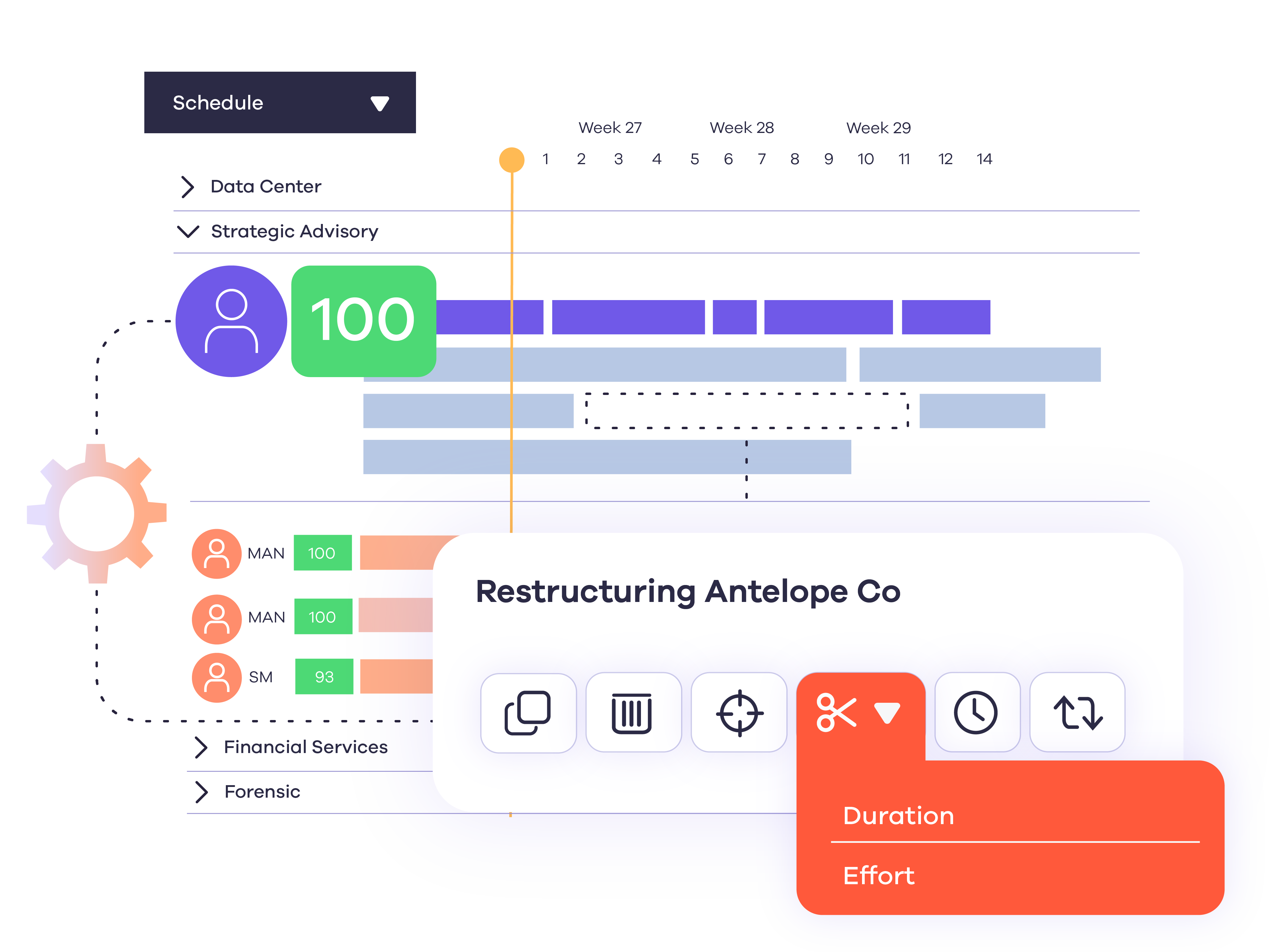
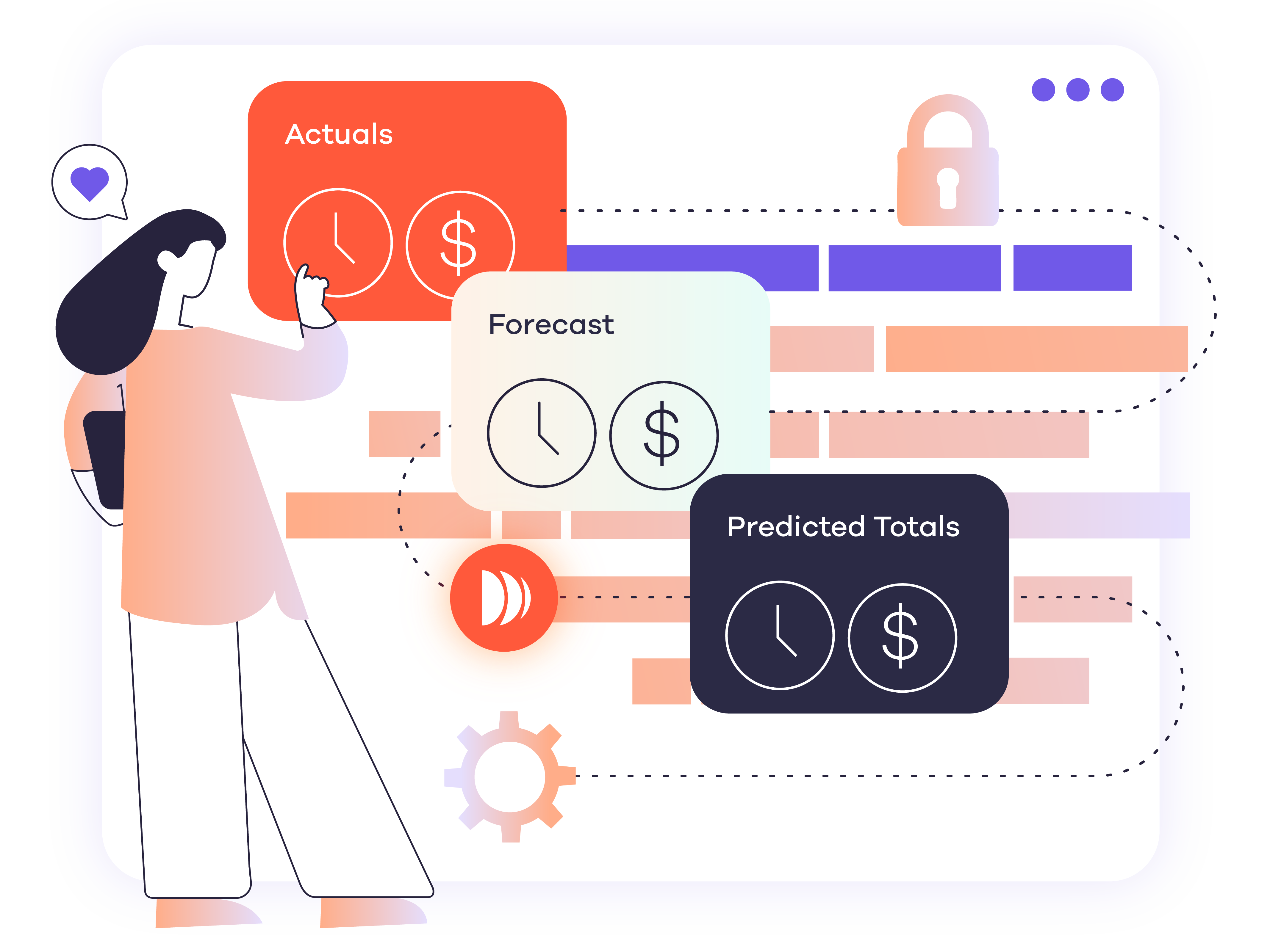


See every project. Spot every conflict. Stay confident with Gantt chart scheduling.

Manual matching costs resource managers hours they don't have. Dayshape's AI suitability scoring surfaces the best-fit candidates for every project instantly - considering availability, skills, grade, and utilization - so your team makes better decisions faster and keeps more work billable. 

Gantt chart scheduling
50k
50k scheduling icon (1)
Scheduling options assessed per second
55+
Countries that trust Dayshape icon
Countries with firms that trust Dayshape
3hrs
Time saved icon
Daily saved by teams
6+
Continents icon
Continents

Gantt chart scheduling benefits

Cut scheduling admin

Stop rebuilding schedules manually. Dayshape’s Gantt scheduler keeps your whole firm in sync. No more tab switching, no more back-and-forth requests.

Spot idle capacity before it costs you

See who’s underutilized across your entire firm in real time, so you can fill gaps faster and keep more work billable.

Never turn down billable work

Know exactly who’s available before you commit. Say yes to more projects, with the confidence your team can actually deliver.

Plan across every location

Remote, hybrid, or multi-office – see every team, every engagement, every time zone from a single point of view.

Transform resource management with Gantt chart scheduling

Find the best person for every project, in seconds, not hours 

Find the best fit for every project in seconds, not hours. Manual matching costs resource managers hours they don't have, and Dayshape's AI scoring surfaces the best fit across every engagement, considering availability, skills, grade, and cost, so you spend less time on admin and more on the work that matters.
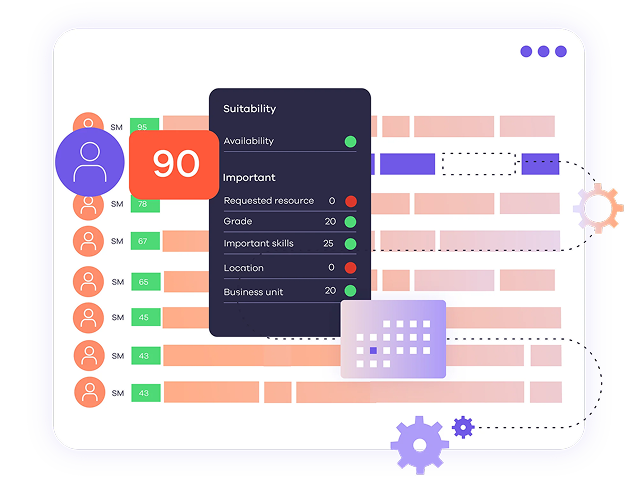
The suitability scoring feature within Dayshapes AI resource management software.

Plan across every office and time zone, from one view

When your team is spread across offices and time zones, resourcing gaps hide in separate systems until it's too late to act. Utilizing Gantt scheduling and location filters gives you firm-wide visibility in a single view. Spot cross-deployment opportunities, balance utilization across every office, and plan with confidence across every engagement. 

Image (Location filters, a key feature of Dayshapes Gantt scheduler.)

Stop over-stretching your team

Burnout and over-utilization don't announce themselves, they build up in the gaps between manual check-ins. Dayshape's availability heat maps and utilization filters surface capacity risks before they become people problems, so you can protect your team, reduce revenue at risk, and make staffing decisions with real confidence. 

Image (Availability heat maps, a key feature of agile Gantt chart scheduling software.)

No more project clashes. No more last-minute reschedules  

Scheduling conflicts don't just cause internal delays — they damage client relationships and erode trust that takes months to rebuild. Our Gantt chart scheduler flags errors, warnings, and clashes in real time, giving resource managers the visibility to resolve problems before they ever reach the client. 

Image (An example of an error warning in Dayshapes Gantt chart scheduler.) (1)

Roll forward recurring projects in minutes  

Rebuilding the same project structure every engagement is a time sink your resource managers can't afford. Dayshape's bulk actions let you allocate resources across multiple projects at once, roll forward recurring engagements in seconds, and get earlier visibility into future staffing needs — so the team stays focused on delivery, not admin. 

Image (Bulk actions are an integral feature of Dayshapes Gantt scheduling software.)

Seamless integrations

Your Gantt scheduling data shouldn't live in isolation from the rest of your business. Dayshape connects with Workday, SAP, OpenHR, and Dynamics 365, so your Gantt schedules, utilizyation data, and financials all work from the same source of truth, with no manual reconciliation and no version-control chaos. 

Image (02-Product-Integrations)

What our customers say

Star-Rating Star-Rating Star-Rating Star-Rating Star-Rating

"What I really loved about Dayshape was the traits feature—it gives you a kind of dossier for every employee. That information used to live in people's heads, spreadsheets, or scattered software. Now, it's built into the system and embedded in the business."

Tom Quinn

CFO

Bennett Thrasher

Star-Rating Star-Rating Star-Rating Star-Rating Star-Rating

"The Dayshape implementation process met our high expectations, and the team brought a deep knowledge of resource management to the project. Dayshape is a true partner and the support of their people has been very valuable."

Matthias Schnyder

Head of CIOO and Projects

BDO Switzerland

Star-Rating Star-Rating Star-Rating Star-Rating Star-Rating

"We wouldn't have been able to get through the pandemic the way we did if we weren't working on a national basis with Dayshape. Having everyone working in the same way allowed us to tap into our international member firm network and quickly mobilize remote support because we could see in our Dayshape overview exactly how much additional capacity we needed and for how long."

Laura Brierley

Project Implementation Director

Grant Thornton UK

From spreadsheet chaos to strategic audit resourcing

Find out how a major professional services firm transformed audit resourcing with Gantt chart scheduling to monitor utilization and avoid resource conflicts.

Case-Study-Tiles-Productivity

FAQs

Your questions about Dayshape Gantt chart scheduling, answered.

What is a Gantt chart?

Named after American mechanical engineer and management consultant Henry Gantt, Gantt charts are a visual tool used to schedule projects, manage resources, and monitor productivity. Often taking the form of a spreadsheet, a Gantt chart scheduler displays tasks as horizontal bars, providing a visual representation of task start and end dates to help resource managers plan, coordinate, and track tasks, supporting efficient project management.

Who can benefit from Gantt chart scheduling software?

Stakeholders at different organizational touchpoints can benefit from Gantt scheduling software. Staff can use the Gantt scheduler to see their allocated tasks, view deadlines, and update the wider team on their progress. Project management and resource planning teams can utilize Gantt scheduling software to plan projects and monitor their progress, keeping track of multiple teams and workflows. Meanwhile, business leadership teams can access the software to ensure projects align with overall company objectives and goals, and to make sure projects are being delivered on time, without any resource being overworked

What’s the difference between an Excel Gantt chart and Gantt chart scheduling software?

Excel-based Gantt charts are spreadsheets created manually to support project management. This can be a time-consuming process, and often leaves little room for flexibility, preventing a team from being truly agile. Gantt chart scheduling tools are much more agile, incorporating automated - often AI-powered - features that enable real-time collaboration and reactive adjustments to deliver true project flexibility. Gantt scheduling software can also integrate with other project management tools to create a seamless system for monitoring resource allocation, time tracking, and project management in one place.

Want to know more about Gantt scheduling?


Contact us today to find out more about our Gantt scheduling software
 

Get in touch